Latest
Why Regulated Enterprises Need Structured Front Ends
Marc Boutillette
Enterprises in compliance-led industries need digital experiences that are fast and modern, but also secure, accessible, reliable, and governed.
Journal
Articles for the dotDeveloper.
63 posts
Latest
Marc Boutillette
Enterprises in compliance-led industries need digital experiences that are fast and modern, but also secure, accessible, reliable, and governed.
Marc Boutillette
Build better enterprise web architecture with Angular and dotCMS.
Marc Boutillette
The Angular framework is well suited for complex web applications and dotCMS is the perfect content management system to compliment it!
Iván Hoffmann
A guide to what's changed in dotAI with the introduction of the providerConfig method of app configuration.
Will Ezell
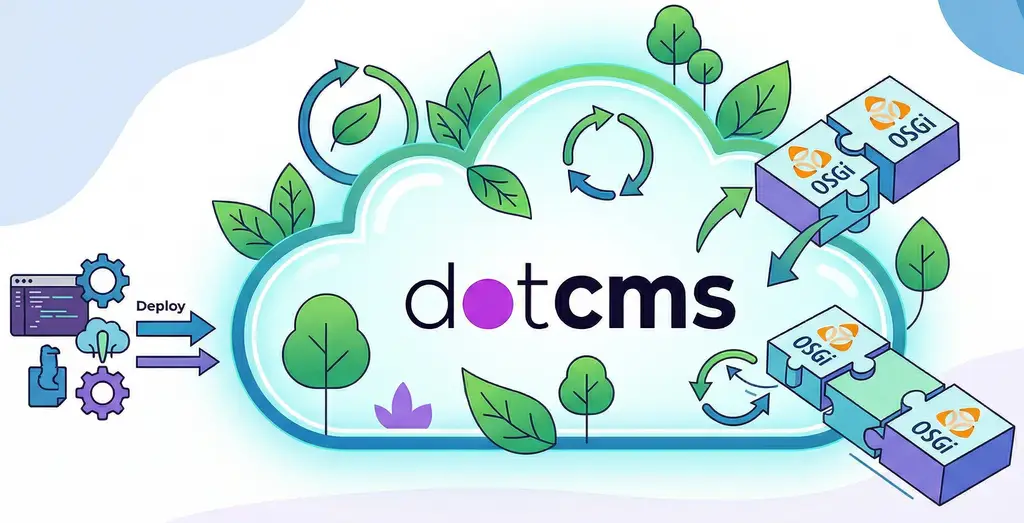
dotCMS Cloud ships updates frequently. Learn how to test your plugins against every dotCMS "Evergreen" release before it breaks your bundles
Fabrizzio Araya
An update on infrastructural changes, information on a breaking change introduced that may affect some plugins, and a migration guide for those affected.
Marc Boutillette
dotAI Search is now built into the @dotcms/client SDK. One method call gives your headless app semantic AI-powered search in under 15 minutes.
Stephen Freudenthaler
Give your dotCMS a test drive on modern Java. Our new Java 25-based containers are live, easy to spin up with a single Docker command, and already showing faster startup, leaner memory use, and a stronger security footing. In this post, I’ll walk you through how to try the `java-25` images locally, what to expect from the upgrade, how to rebuild your plugins in a few minutes, and why we’re asking you to kick the tires now, long before Java 11 support sunsets.
Afaq Javed
Learn how to bootstrap a headless CMS project with Next.js using @dotcms/create-app CLI. Skip documentation overload and render your first content in minutes.
Fatima Nasir Tareen
Compare CMS platforms that support on-premises or private cloud deployment. Learn decision criteria for strict IT policies: governance, RBAC, audits.
Laura Cabrerizo
Debugging dotCMS is less about panic and more about knowing where to look. This guide walks through the most reliable places to check when something feels off, confusing, or just plain stubborn.
Adriel Alfaro, Maikel Pereira
What does it take to run thousands of branded partner websites from a single platform? This deep dive shows how Solvisse engineered a multi-site dotCMS architecture using hosts, shared content models, and automated provisioning to scale without chaos.
Daniel Colina
How to get dotCMS up and running quickly using the ArgoCD delivery tool designed for Kubernetes.
Nicolas Molina
Build dynamic content listing pages with search and filtering in Angular.
Freddy Rodriguez
Power your site search with dotAI! Make your website search natural and intuitive for your users with no advanced coding skills required.
Freddy Montes
Learn how to build dynamic, SEO-friendly pages using dotCMS as your headless CMS, Next.js for server-side rendering, and Tailwind CSS for fast, modern styling. Step-by-step instructions cover project setup, integrating dotCMS Page API, configuring Tailwind, and mapping content types to React components for flexible Jamstack site development.
Rafael Velazco
Learn how to build a contact us form in dotCMS with our comprehensive guide. Discover the step-by-step process of creating dynamic and flexible forms using dotCMS Content and integrating them with a Headless Next.js application.
Freddy Montes
Learn how AI can assist with drafting, editing, and managing content using your brand's voice, workflows, and governance rules. Set up your MCP Server and streamline your content production without compromising on compliance or quality.
Freddy Montes
Discover how the dotCMS MCP Server empowers developers with crucial context for AI-driven workflows. By understanding real content structures, workflows, and data types, the MCP Server enables more accurate AI-generated components, streamlined migrations, and seamless integration with design tools
Daniel Colina
Simplify your dotCMS deployment on Kubernetes with Helm!
Kevin Davila
This step-by-step guide covers prerequisites, setting up your dotCMS environment, building and rendering custom pages, and enabling in-context editing for headless websites and SPAs.
Jalinson Diaz
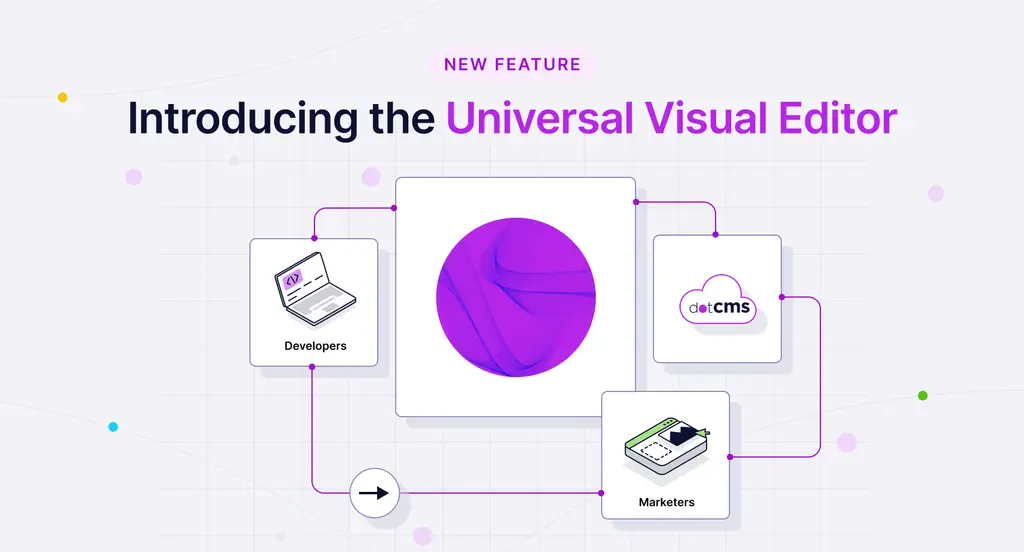
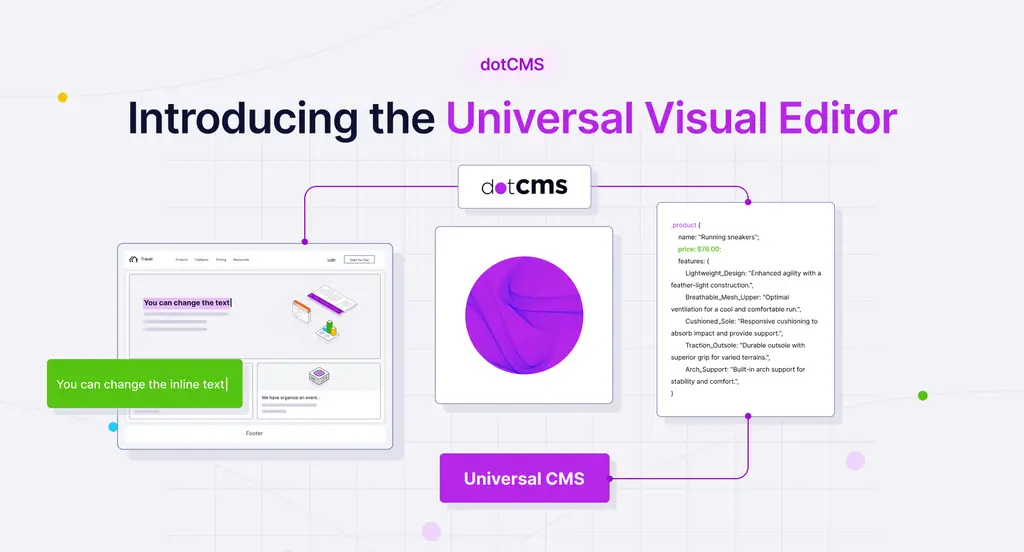
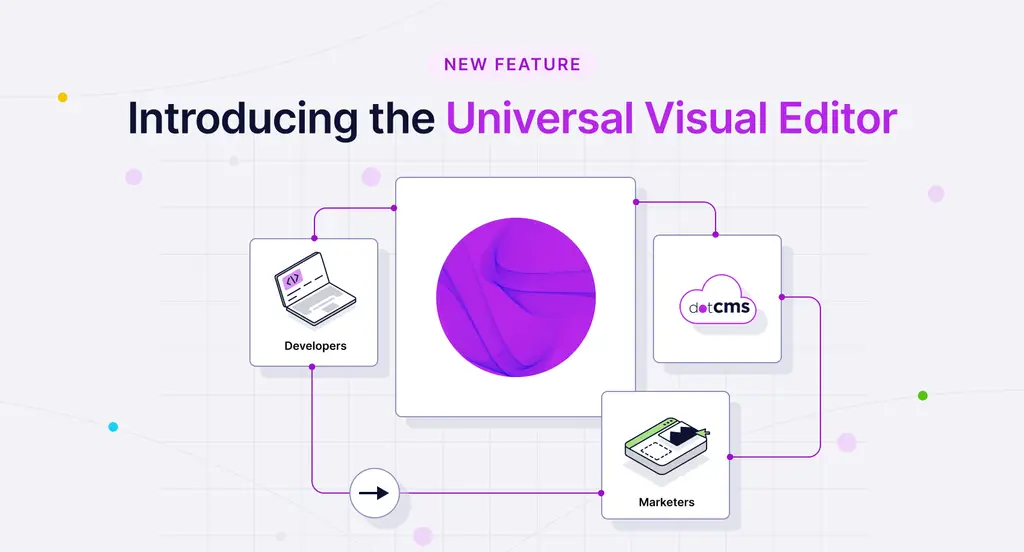
Developers build the foundation. Editors run with it. With the Universal Visual Editor, content teams can create, edit, and rearrange content freely, no dev tickets required.
Daniel Silva
Unlock the potential of dotAI in transforming your dotCMS projects. Dive into advanced REST API implementations that go beyond typical documentation, including text and image generation, semantic search, and contextual content creation.
Daniel Silva
Discover how to build a dynamic content management interface using dotCMS REST APIs. This comprehensive developer's guide covers key APIs including Content Type, Workflow, and Content APIs to streamline content creation, management, and delivery within enterprise systems.
Freddy Montes
Learn how to integrate React components into dotCMS using Vite for a smooth hybrid transition, balancing modern development practices with legacy Velocity templates and gradual headless migration.
Erick Gonzalez
This FAQ explains how filters optimize content governance, enhance performance, and ensure compliance with data policies. Learn to create, update, and manage filters using API methods for seamless content organization and efficient publishing workflows.
Jalinson Diaz
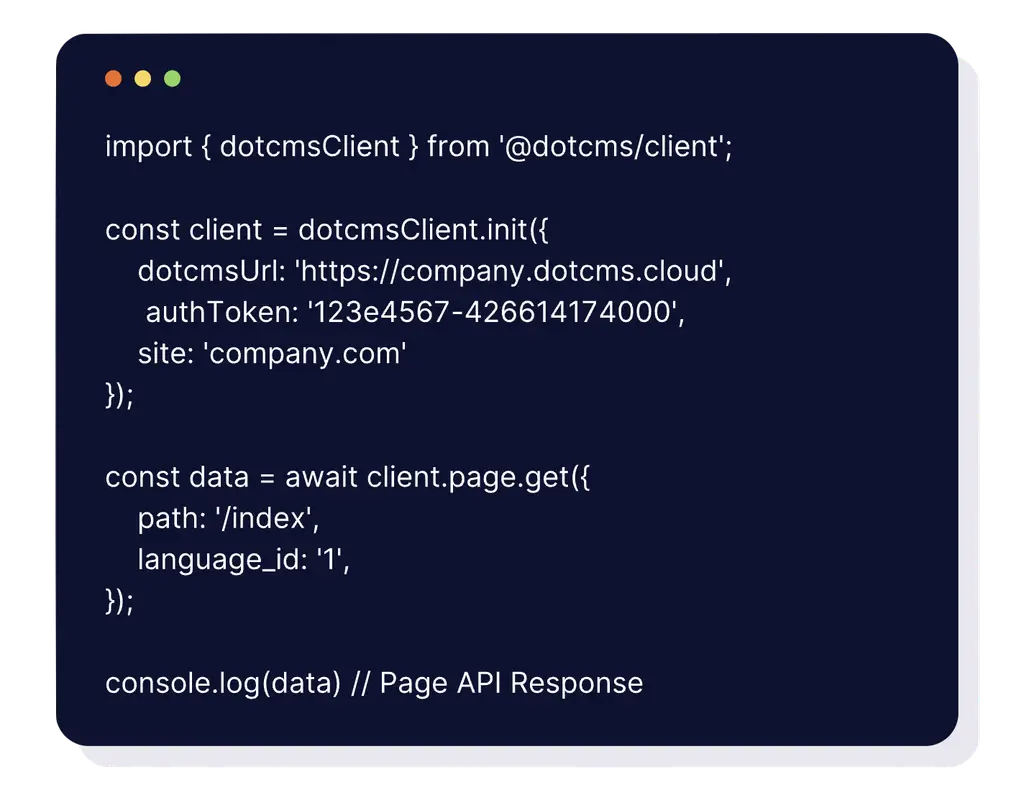
Manually fetching content from dotCMS can get repetitive fast. In this post, I’ll show you how to build a TypeScript SDK to simplify interactions with the Headless dotCMS API. We’ll walk through setting up the project, structuring the SDK, and making API calls, so you can integrate dotCMS into any JavaScript project with ease.
Jalinson Diaz
In this guide, we’ll walk through building a JavaScript SDK that works seamlessly in any environment - Node.js, browsers, and beyond. Using TypeScript for strong typing and Rollup.js for an optimized bundle, we’ll ensure our SDK is lightweight, flexible, and ready for publishing on NPM. Whether you're building for CommonJS, ESM, or both, this post will help you do it right.
Rafael Velazco, Kevin Davila
Discover our comprehensive journey migrating a traditional dotCMS website to a modern Visual Headless CMS architecture using Next.js. Learn about the planning process, challenges faced, and solutions implemented to boost performance, scalability, and SEO.
Nollymar Longa
Learn how to implement powerful fuzzy searches in dotCMS using Lucene queries. Discover real-world examples with JSON and dotCMS Query Tool syntax that you can implement today
Nicolas Molina
Discover how to optimize your web performance with dotCMS's image resizing and processing capabilities using Angular and Next.js. Learn to enhance image loading efficiency, improve user experience, and boost SEO rankings by serving optimized images that adjust dynamically to different devices.
Jorge Conde
Discover how to simplify front-end authentication with dotCMS and Next.js. Learn about dotCMS's native user management system, offering built-in authentication, role-based access control, and seamless integration with Next.js applications.
Fabrizzio Araya
Learn how to seamlessly integrate dotCMS CLI into CI/CD pipelines using GitHub Actions for modern configuration management. This guide illustrates setting up dotCMS workspaces with Git, automating deployments, and ensuring consistent deployments across environments.
Arcadio Quintero
Discover how to seamlessly integrate your headless application with the dotAI APIs using this comprehensive guide. Learn to enhance your dotCMS instance by incorporating AI-powered semantic searches and content generation, leveraging OpenAI services for an improved user experience.
Kevin Davila, Freddy Montes
Learn how to seamlessly integrate your Angular app with dotCMS using the JavaScript SDK. This comprehensive guide provides step-by-step instructions for connecting the Universal Visual Editor to your Angular project, allowing for dynamic content management and an enhanced editing experience.
Daniel Colina
Learn how to efficiently set up dotCMS in Push-Publish mode using Docker Compose. This guide provides a step-by-step walkthrough on configuring a two-instance dotCMS cluster, enabling content synchronization, and deploying updates across multiple environments.
Freddy Montes
In this guide, you’ll learn how to host your dotCMS headless application on AWS Amplify.
Ian Cooper
Managing multiple sites? Avoid content silos, duplicate code, and translation headaches. Learn how dotCMS streamlines multi-site architecture with sustainable taxonomy, content reuse, and creative url redirects.
dotCMS
Get started with the dotCMS CLI (Command Line Interface), a powerful standalone tool that enables developers to interact with dotCMS instances through a command shell, opening up new possibilities for automation and deployment.
Dean Gonzalez
Integrating dotCMS’s Universal Visual Editor (UVE) into a headless application? This guide covers common issues like API errors, CORS restrictions, and editable region configurations, providing practical solutions for a seamless editing experience.
dotCMS
Logging is an integral part of any enterprise-grade platform, and dotCMS is no exception. dotCMS introduced the capability to dynamically change logging levels at runtime using a REST API.
dotCMS
Are you a developer who's new to dotCMS? This day-one quick start guide is for you! It covers everything you should know as you get started developing with the platform.
Jorge Conde
The dotCMS Developer Site is the go-to resource for developers working with dotCMS and integrating dotCMS into their projects. We recently set out to rebuild the developer site, focusing on better usability, modern design, and support for new content types like tutorials, videos, and blog posts.
Stephen Freudenthaler
Are you considering using a dotCMS Long-Term Support (LTS) version? In this blog post, we'll delve into a bit of dotCMS history, the potential benefits, and the drawbacks of using dotCMS LTS to help you make an informed decision.
Freddy Montes
This guide covers rendering dotCMS pages using PHP and Twig. It walks through data retrieval from the dotCMS Page API, dynamic layout creation, and content-type-based templates for clean, scalable, and well-structured page rendering.
Freddy Montes
This guide covers integrating the Universal Visual Editor (UVE) with any JavaScript framework, highlighting key steps like dynamic routing, component mapping, grid-based layouts, and editor communication. Developers can maintain their tech stack while enabling powerful real-time content updates, optimizing performance, and accelerating deployment through dotCMS's JavaScript SDK.
Fabrizzio Araya
In this article, we’ll explore advanced use cases that show how your content’s structure and indexing directly impact the way you write effective queries. With real-world examples of Collections, Search, and the Page API, we’ll dive into tips and techniques that help you leverage the power of the API while keeping its ElasticSearch dependency in mind.
Arcadio Quintero
Learn how to implement A/B testing in your headless applications using dotCMS Experiments. This guide covers integration through the @dotcms/experiments library, helping you optimize user experience and track conversions effortlessly.
Rafael Velazco
Learn how to easily integrate your React app with dotCMS using the JavaScript SDK. This comprehensive guide provides step-by-step instructions to leverage dotCMS's Universal Visual Editor for creating dynamic, content-driven applications.
Freddy Montes
This guide explains how to render dynamic dotCMS pages using pure PHP, covering API data retrieval, grid-based layouts, content mapping, and container rendering. It provides a foundational approach to creating responsive, customizable layouts, leveraging dotCMS's tech-agnostic capabilities while ensuring developers can easily integrate dynamic content into their PHP applications.
Freddy Montes
This quickstart guide to the dotCMS JavaScript SDK demonstrates how to render dotCMS pages across frameworks like React, Angular, and Next.js. It covers dynamic routing, framework-agnostic configurations, and inline editing, enabling faster development, streamlined content integration, and productive collaboration between developers and content teams.
Rafael Velazco
Learn how to seamlessly integrate your Astro app with dotCMS using the JavaScript SDK. This comprehensive guide covers setting up the Universal Visual Editor for headless websites, leveraging dotCMS's robust content management features, and rendering dynamic content in your app.
Dean Gonzalez
Optimize your dotCMS development with expert tips on avoiding pitfalls, troubleshooting, performance tuning, and workflow enhancements.
Ian Cooper
How did Blue Cross Blue Shield Association (BCBSA) successfully implement a headless architecture without sidelining their marketing team? By leveraging dotCMS to balanced flexibility, performance, and usability to create a seamless workflow for both technical and marketing teams.
Freddy Montes
Discover how to integrate your local environment with the Universal Visual Editor on dotCMS to allow real-time feedback during your development process without slowing content authors down.
Freddy Montes
Unlock the potential of your web applications by integrating dotCMS with Next.js. This guide covers using the dotCMS content API to enhance dynamic capabilities, streamline content management, and boost SEO, resulting in faster load times and improved performance.
Freddy Montes
Discover how to leverage dotCMS' GraphQL API and JavaScript SDK to render content for any channel.
Will Ezell
How you can use deepseek locally with VSCode for AI powered development
Freddy Montes
As a developer, I always prefer to work with the latest front-end technologies to develop my web applications. But it is also critical for me that the content authors I interact with have a top-notch experience when creating and modifying their pages efficiently and visually.
Stephen Freudenthaler
dotCMS has enhanced our customers' experience by embracing continuous delivery (CD) practices.
dotCMS
In this blog post, I’ll demonstrate how you can get started with the Universal Visual Editor and Next.js in just fifteen minutes.
Freddy Montes
Explore dotCMS's Universal Visual Editor, merging WYSIWYG simplicity with headless CMS flexibility. This tool offers drag-and-drop editing, inline content editing, and NoCode tooling for seamless omnichannel publishing. Enhance your digital content strategy with dotCMS’s hybrid approach.